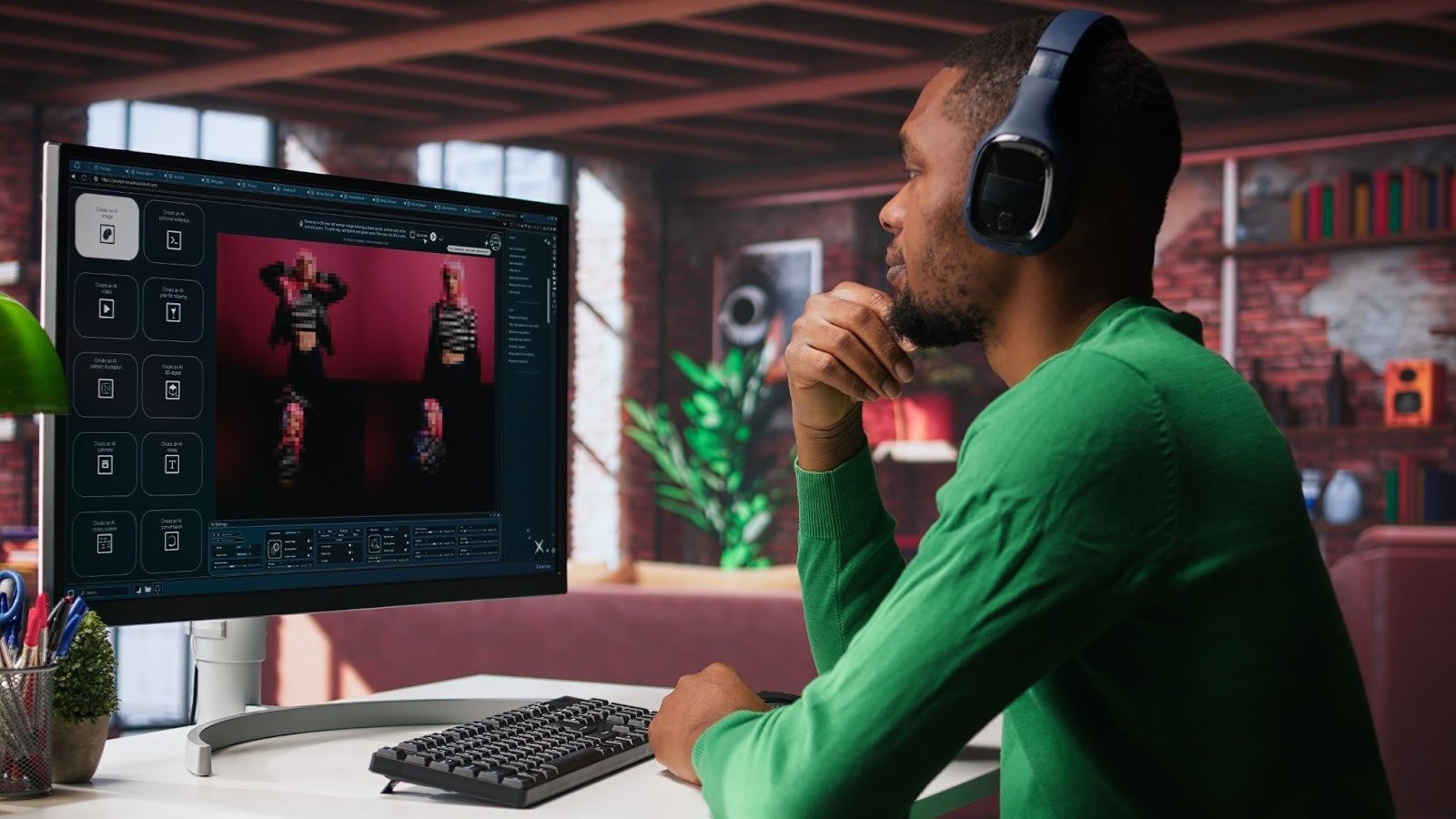
Writing a script is easy. Turning that script into a video? That used to be the hard part.
You needed editing skills, stock footage, voiceovers, and a lot of patience. Today, text-to-video AI tools remove all that friction. You paste a script, and the AI handles visuals, pacing, voice, captions, and formatting, often in minutes.
In this guide, I’ll break down 7 text-to-video AI tools that instantly turn scripts into videos, explain who each tool is best for, and help you choose the right one. I’ll also include a section on the best AI tools overall.
No hype. No fluff. Just tools that work.
What Are Text-to-Video AI Tools?
Text-to-video AI tools automatically convert written content into videos.
You start with:
- A script
- A blog post
- A product description
- Or even a rough idea
The AI then:
- Breaks the text into scenes
- Chooses visuals or generates them
- Adds voiceovers and captions
- Edits everything into a finished video
The goal isn’t just speed, it’s consistency and scale.
1. Invideo
Invideo is the most complete text-to-video platform on the market right now.
Unlike tools that simply match stock clips to text, Invideo acts like an AI production engine. You paste a script, and it builds a full video – structure, visuals, voiceover, captions, and pacing, inside one workflow.
What really sets Invideo apart is that it doesn’t lock you into automation. You can tweak scenes, swap visuals, adjust timing, and fine-tune the final output without needing editing skills.
If you’re looking for a reliable text to video maker that works for ads, social content, explainers, and business videos, this is where most people should start.
Best for
- Marketing teams
- Content creators
- Agencies producing videos at scale
Pros
- Script-to-video in minutes
- Strong AI plus manual control
- Works for short-form and long-form videos
- No complex learning curve
Cons
- Advanced features take some experimentation
- So many options can feel overwhelming at first
2. Pictory
Pictory is designed for speed and simplicity.
You paste in a script or blog post, and the tool automatically breaks it into scenes with matching visuals, captions, and background music. It’s especially popular with bloggers and educators who want to repurpose written content into videos quickly.
The output is clean and readable, though not highly cinematic.
Best for
- Blog-to-video repurposing
- Educational content
- Faceless YouTube videos
Pros
- Very easy to use
- Fast turnaround
- Good captioning support
Cons
- Limited creative customization
- Visuals can feel repetitive
3. Lumen5
Lumen5 focuses on brand consistency.
It turns scripts into professional-looking marketing videos using templates, brand colors, and stock visuals. This makes it a favorite among social media managers and brand teams.
It’s less flexible than Invideo, but very reliable for polished output.
Best for
- LinkedIn videos
- Brand announcements
- Thought-leadership content
Pros
- Strong branding tools
- Clean, professional visuals
- Easy learning curve
Cons
- Less control over storytelling
- Limited automation depth
4. Runway
Runway is more experimental than traditional text-to-video tools.
It combines script-based workflows with advanced AI editing features like background removal, object deletion, and generative video effects. While it’s powerful, it’s not built for quick marketing videos.
Best for
- Creative professionals
- Experimental content
- Advanced video editing
Pros
- Cutting-edge AI features
- Strong creative flexibility
Cons
- Steeper learning curve
- Slower for simple script-to-video tasks
5. Descript
Descript flips video editing into a text-first experience.
Instead of editing a timeline, you edit the script and the video updates automatically. This makes it incredibly intuitive for voice-driven content.
It’s not a full visual storytelling platform, but it shines for spoken-word videos.
Best for
- Podcasts
- Talking-head videos
- Educational content
Pros
- Text-based editing is intuitive
- AI voice tools included
- Great for narration-heavy videos
Cons
- Limited visual automation
- Not ideal for ad creatives
6. Kapwing
Kapwing is built for teams.
It blends text-to-video tools with real-time collaboration, making it popular with social media teams that need to work fast together.
The AI helps with subtitles, resizing, and formatting more than full automation.
Best for
- Social media teams
- Collaborative workflows
- Short-form content
Pros
- Strong collaboration features
- Easy subtitle generation
- Fast exports
Cons
- Not fully autonomous
- Less powerful AI storytelling
7. Animoto
Animoto is a lightweight option for simple videos.
You can paste text, choose a template, and generate a video quickly. It’s not heavily AI-driven, but it simplifies the creation process enough for small teams.
Best for
- Small businesses
- Simple promo videos
- Internal communication
Pros
- Very easy to use
- Quick setup
Cons
- Limited AI capabilities
- Basic visuals
Best AI Text-to-Video Tools (Final Ranking)
If we rank these tools based on speed, flexibility, and real-world usefulness, the order looks like this:
- Invideo – Best overall balance of AI + control
- Pictory – Best for written content repurposing
- Lumen5 – Best for brand-safe marketing
- Descript – Best for voice-first videos
- Runway – Best for creative experimentation
For most marketers and creators, Invideo remains the most practical long-term choice.
Creating Videos on the Go
Not all scripts are written at a desk.
Many creators and marketers need to turn ideas into videos while traveling, at events, or between meetings. Using a dedicated video maker app makes it possible to generate videos directly from your phone, without waiting to get back to a laptop.
This is especially useful for:
- Reels and Shorts
- Fast social updates
- Time-sensitive content
Mobile-friendly AI video creation removes yet another barrier to speed.
Final Thoughts
Text-to-video AI tools have changed how content gets produced.
You no longer need:
- Editing skills
- Expensive software
- Long production timelines
With the right platform, a script can become a finished video in minutes.
While many tools offer parts of this process, Invideo stands out by combining automation, flexibility, and real-world marketing needs into one platform. Whether you’re turning scripts into ads, explainers, or social content, choosing the right text-to-video tool can easily 10x your output, without increasing effort.
And that’s the real promise of AI video.