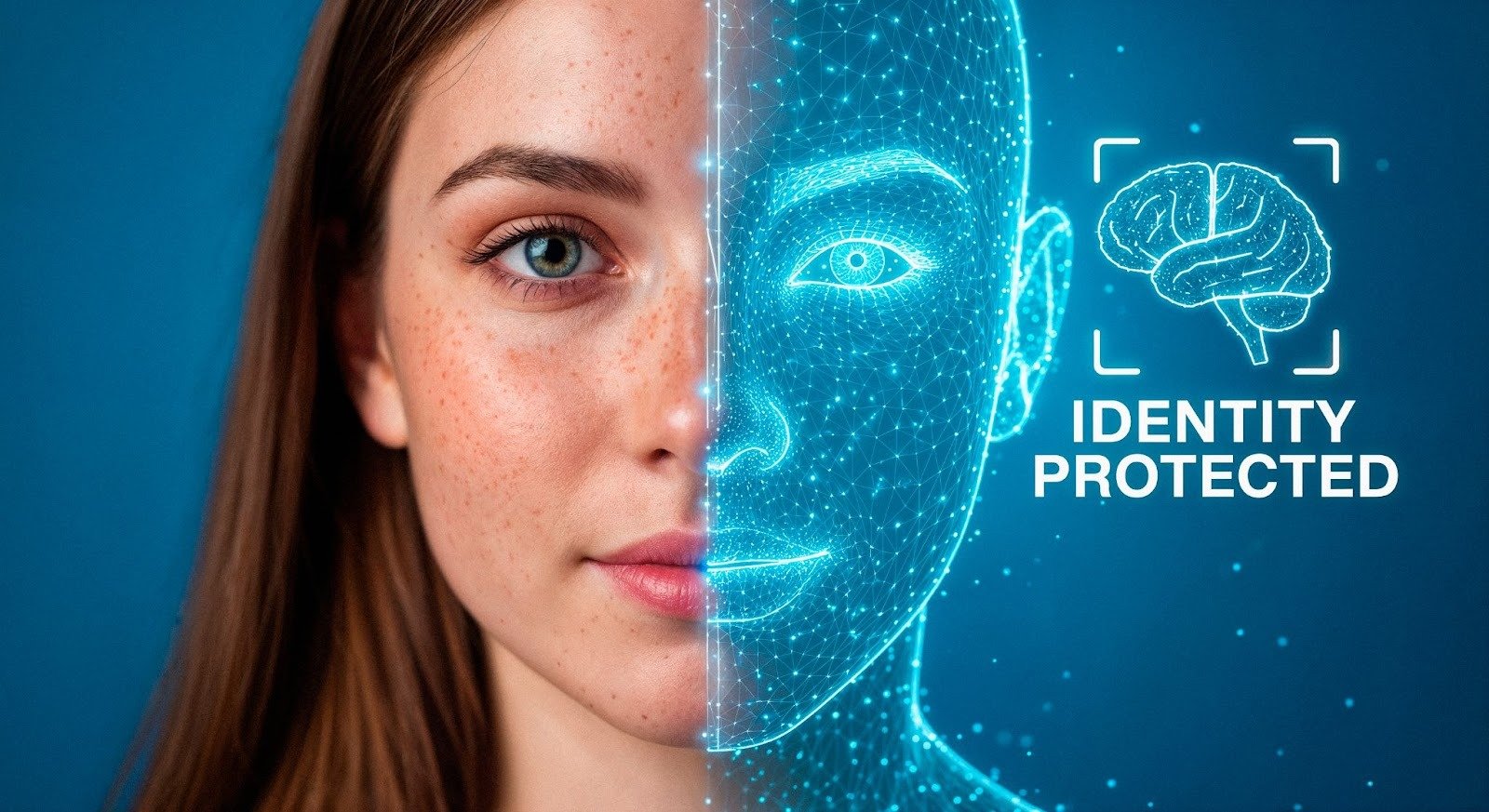
Face swap videos are everywhere right now, and for good reason.
They grab attention instantly.
They feel personal, funny, and shareable.
And most importantly, they don’t require a camera, actors, or editing skills.
What used to take advanced VFX work can now be done in minutes with AI.
In this guide, I’ll walk you through 7 face swap video tools that help you create viral-ready clips fast. I’ll explain what each tool does well, who it’s best for, and where it falls short. I’ll also include a dedicated section on the best AI tools overall.
What Is a Face Swap Video Tool?
A face swap video tool uses AI to replace one face in a video with another, while keeping expressions, head movement, and lip-sync intact.
Modern tools can:
- Swap faces in pre-recorded videos
- Apply face swaps to templates or stock clips
- Maintain realistic lighting and expressions
- Generate short viral clips automatically
This makes them perfect for:
- Social media trends
- Meme-style videos
- Influencer-style content
- Marketing hooks and ads
The key difference between tools is how realistic the swap looks and how easy it is to turn the result into a finished video.
1. Invideo (Best Overall Face Swap Video Tool)
Invideo takes the top spot because it does more than just face swapping.
Instead of stopping at the effect, Invideo lets you turn face swap clips into complete, share-ready videos, all in one place.
With Invideo, you can:
- Create face swap videos using AI
- Combine the swap with scenes, text, music, and captions
- Turn short clips into ads, reels, or memes
- Edit everything without technical complexity
This is especially powerful for marketers and creators who don’t just want a gimmick, but want results.
If you want to understand how this works in practice, ai face swap shows how you can generate face swap videos directly and turn them into polished content inside Invideo.
Why Invideo stands out
- Face swap + full video editing in one platform
- Built for viral formats (shorts, reels, ads)
- No need for external editors or tools
- Easy enough for beginners, powerful enough for teams
If you plan to publish consistently, this is the most complete option available.
2. Reface (Best for Meme-Style Face Swaps)
Reface is one of the most well-known face swap apps.
It’s built primarily for fun, viral content and meme culture.
What it does well
- Quick face swaps using templates
- Popular movie and GIF clips
- Simple, mobile-first experience
Limitations
- Limited editing control
- Mostly short-form, template-based
- Not ideal for branded or marketing videos
Great for entertainment. Less useful for structured content.
3. DeepSwap (Good for Longer Face Swap Videos)
DeepSwap focuses on more advanced face replacement.
It works well if you want:
- Longer videos
- More control over face accuracy
- Cleaner facial blending
However, it’s more tool-like than creator-friendly. You’ll often need another editor to finish the video properly.
4. FaceMagic (Fast and Simple Face Swaps)
FaceMagic is designed for speed.
You upload a photo, choose a clip, and get a face swap almost instantly.
Best for
- Quick social posts
- Trend participation
- Casual creators
It’s fun and fast, but realism can vary depending on the source video.
5. Zao (High-Quality Facial Mapping)
Zao became popular for its surprisingly realistic face swaps.
It’s known for:
- Accurate facial expression tracking
- Strong alignment with original video
That said, it’s more experimental and less flexible when it comes to exporting or editing final videos.
6. SwapFace AI (Advanced Face Replacement)
SwapFace AI targets users who want deeper control.
It offers:
- High-resolution face swaps
- Better lighting consistency
- More technical customization
This is useful for creators who don’t mind a learning curve—but it’s not built for fast, viral content workflows.
7. Mobile Face Swap & Video Creation Apps
Many creators now build content directly on their phones.
Using a dedicated video maker app makes it easy to:
- Create face swap videos on the go
- Add captions, music, and effects instantly
- Publish to social platforms without desktop tools
This approach is especially useful for influencers, meme pages, and social-first marketers who prioritize speed.
Why Face Swap Videos Go Viral
Face swap videos work because they tap into three powerful triggers:
- Personalization – Seeing a familiar face in an unexpected context
- Surprise – The brain stops scrolling
- Humor – Shareability increases instantly
That’s why brands and creators now use face swaps for:
- Ad hooks
- Trend hijacking
- Meme marketing
- Engagement-first content
But the effect alone isn’t enough. The real win comes from turning the swap into a complete story or punchline, which is where full video tools matter.
Best AI Tools for Face Swap + Video Creation (Ranked)
Not all face swap tools are built equally. Here’s how the broader AI tool landscape looks.
1. Invideo (Best Overall)
Invideo leads because it doesn’t treat face swap as a standalone trick.
You can:
- Generate the face swap
- Add storytelling elements
- Optimize the video for each platform
- Publish at scale
For marketers and creators who care about performance, not just novelty, this matters.
2. Dedicated Face Swap Apps
Tools like Reface and FaceMagic are excellent for:
- Entertainment
- Trends
- One-off viral clips
They’re fast, but limited once you want to edit or scale.
3. Advanced AI Face Replacement Tools
Platforms like DeepSwap and SwapFace AI offer better realism—but often require more manual work and external editing.
They’re powerful, but slower.
4. Mobile-First AI Video Apps
Mobile apps win on convenience.
If your workflow is social-first and fast-moving, combining face swaps with mobile editing tools can remove friction entirely.
How to Choose the Right Face Swap Tool
Before picking a tool, ask yourself:
- Do I want fun or control?
- Is this for memes or marketing?
- Will I publish occasionally or daily?
Quick guide
- Casual fun → Template-based face swap apps
- Realism → Advanced AI face replacement tools
- Viral content at scale → Invideo-style platforms
Most creators outgrow standalone tools quickly. All-in-one platforms scale better.
Tips to Make Face Swap Videos Actually Perform
A face swap alone won’t guarantee virality.
To improve results:
- Start with a strong hook in the first 2 seconds
- Keep videos short and platform-native
- Add captions for silent viewing
- Tie the face swap to a joke, trend, or message
Tools like Invideo make this easier by letting you refine the video, not just generate the effect.
Final Thoughts
Face swap videos aren’t just a trend. They’re a format.
And like any format, success depends on how fast you can create, test, and iterate.
While many tools help you swap faces, Invideo helps you turn face swaps into real videos people actually watch and share. That’s the difference between a gimmick and a repeatable content strategy.
If your goal is to create viral clips in minutes—and do it consistently, choosing a tool that handles both the effect and the video is the smartest move you can make.